
Explore Crednip Mobile App Screens
Get familiar with the basic functions of the Crednip app. Walk through our real mobile screens for asset discovery, posting loan requirements, masked chat negotiations, identity verification, and safety settings.
Watch Crednip App Walkthrough Video
Watch a step-by-step video demonstration of listing collateral requirements, discovering nearby lenders, negotiating terms in masked chat, and safe physical meetups.
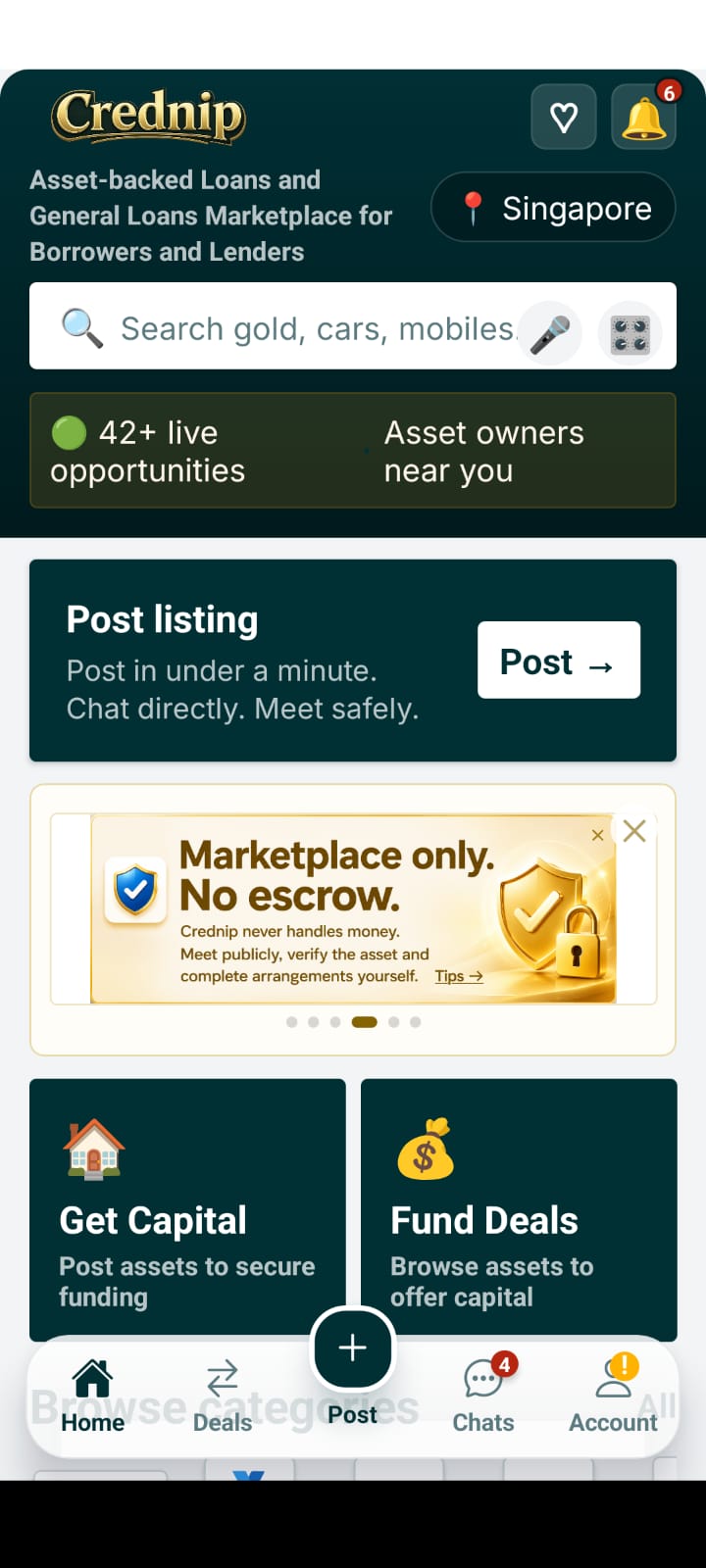
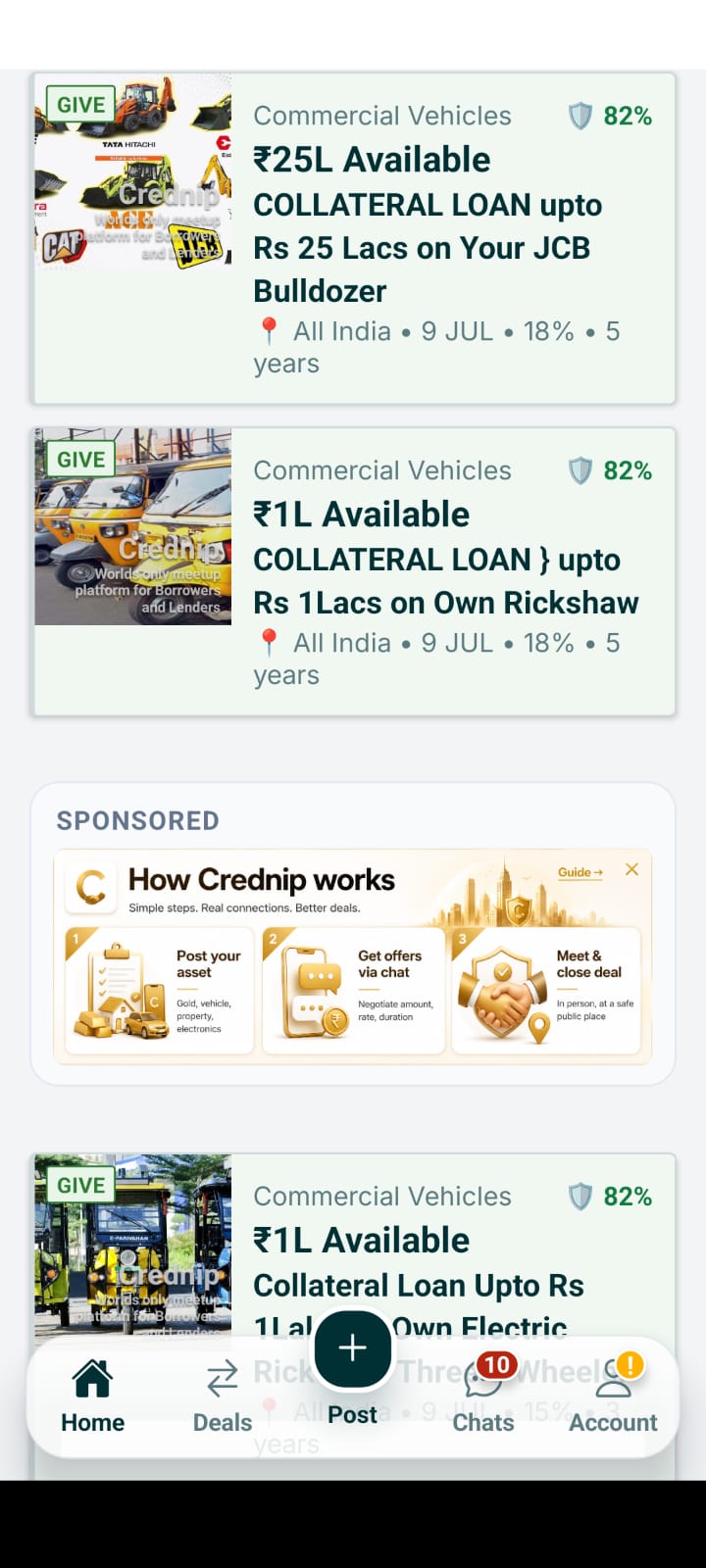
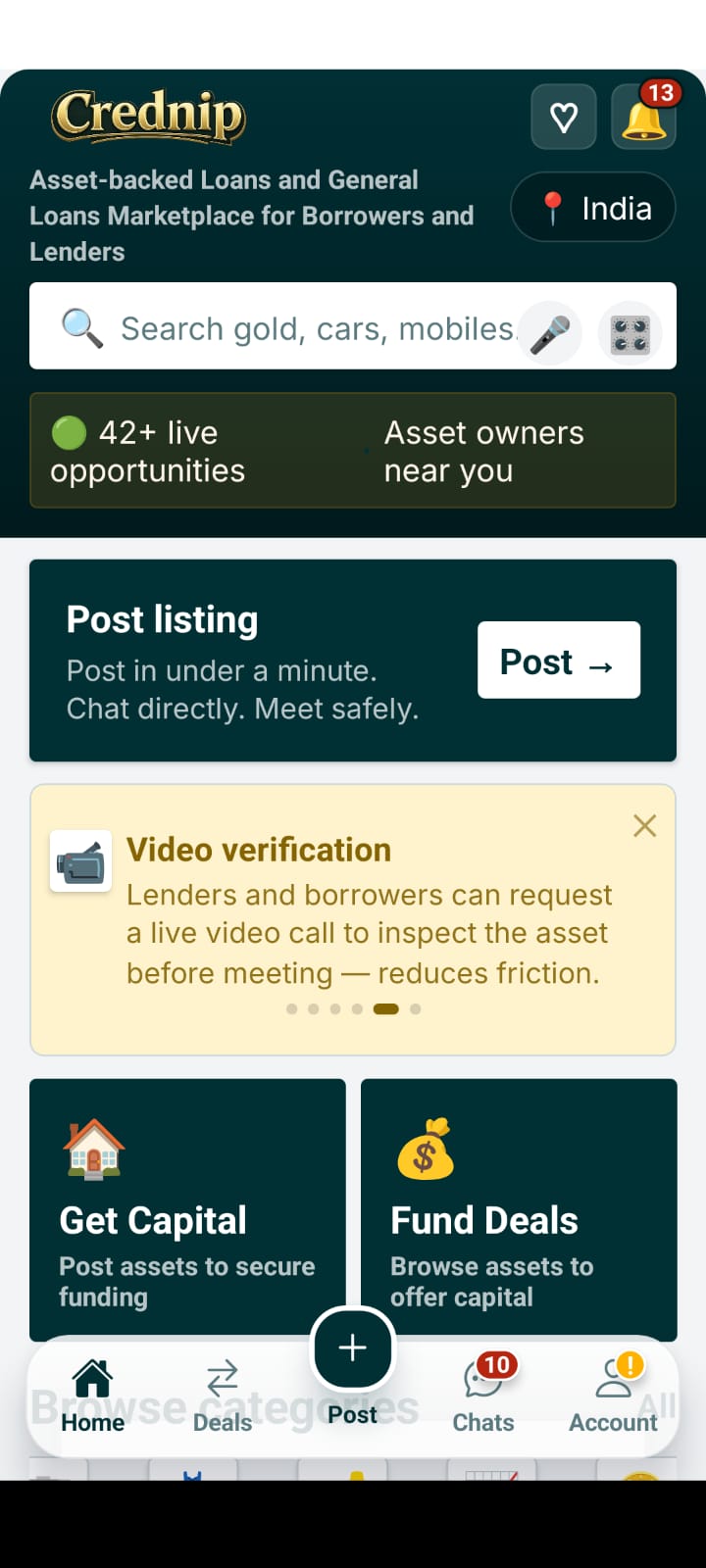
Crednip Home Marketplace Feed
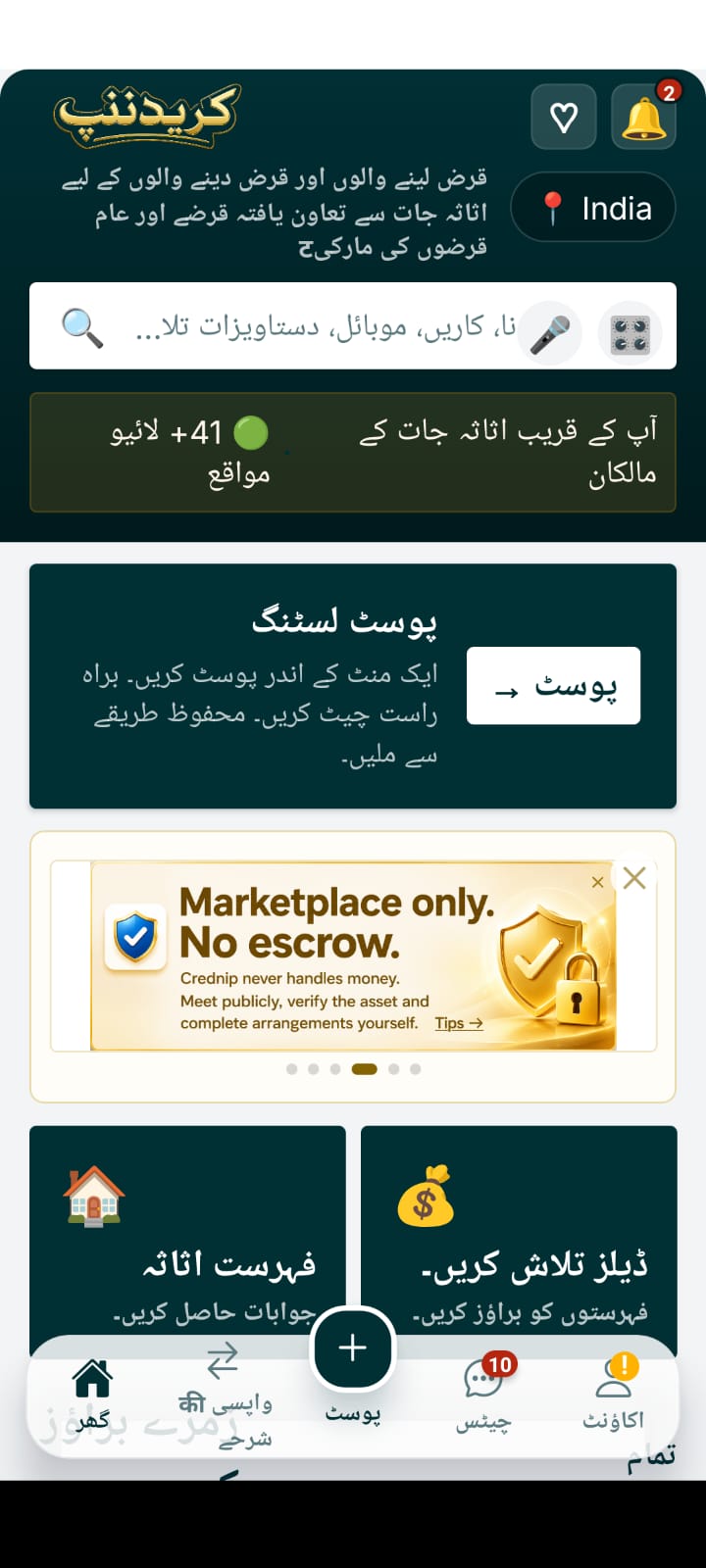
Explore live borrower collateral posts and lender funding offers filtered by city and category.
City & Region Selection
Select your local market (Mumbai, Delhi, Manila, Dubai) to discover nearby asset opportunities.
Asset Category Browsing
Browse gold jewelry, cars, bikes, commercial machinery, electronics, and real estate listings.
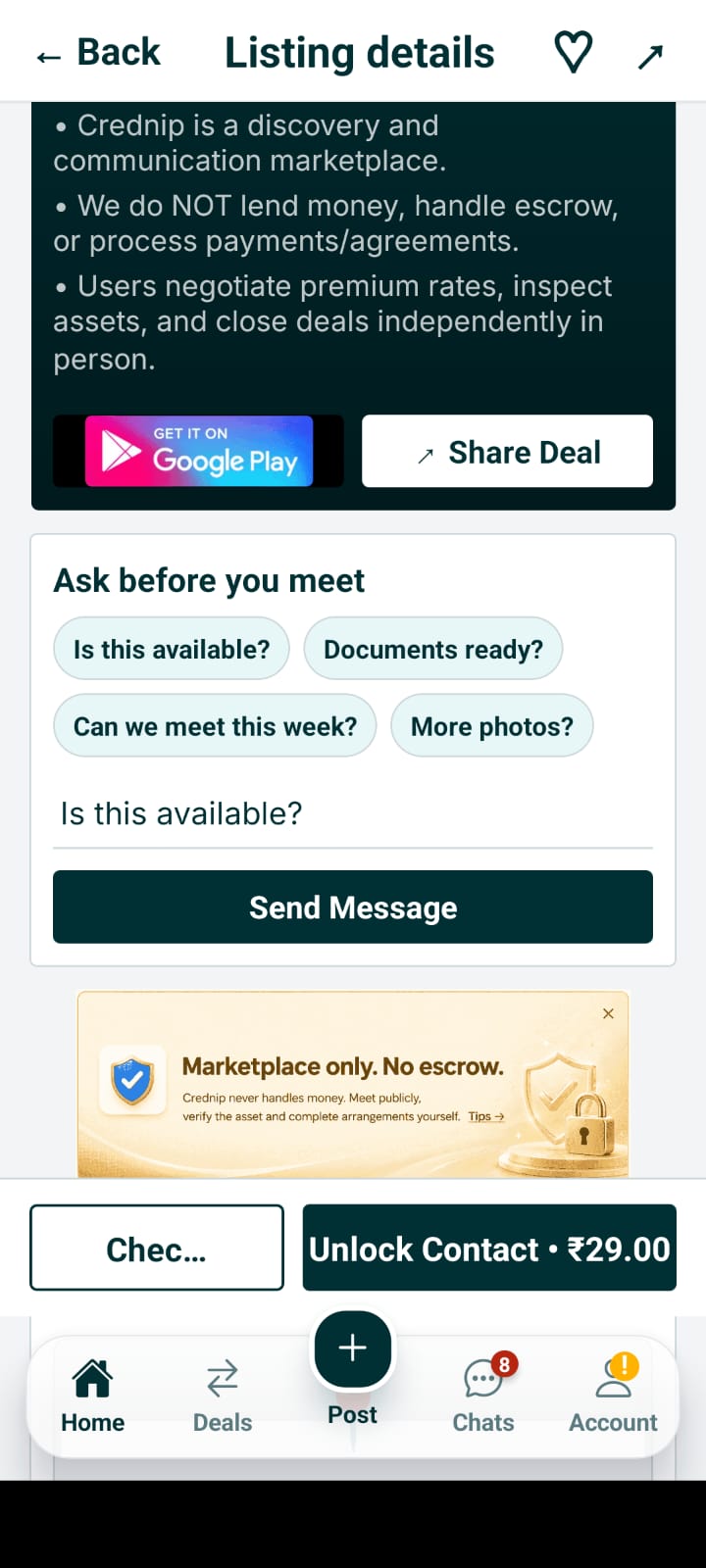
Listing Details & Collateral Overview
Inspect requested loan amount, proposed interest rate, tenure, and physical asset photos.
Post Loan Requirement
Create an asset-backed requirement by choosing category, amount, and uploading photos.
Set Interest Rate & Tenure
Specify your flexible monthly interest expectations and repayment duration.
Asset Collateral Photo Upload
Upload high-resolution photos of gold ornaments, vehicle RC, or equipment documents.
Listing Preview & Confirmation
Review your listing details before publishing directly to the live marketplace.
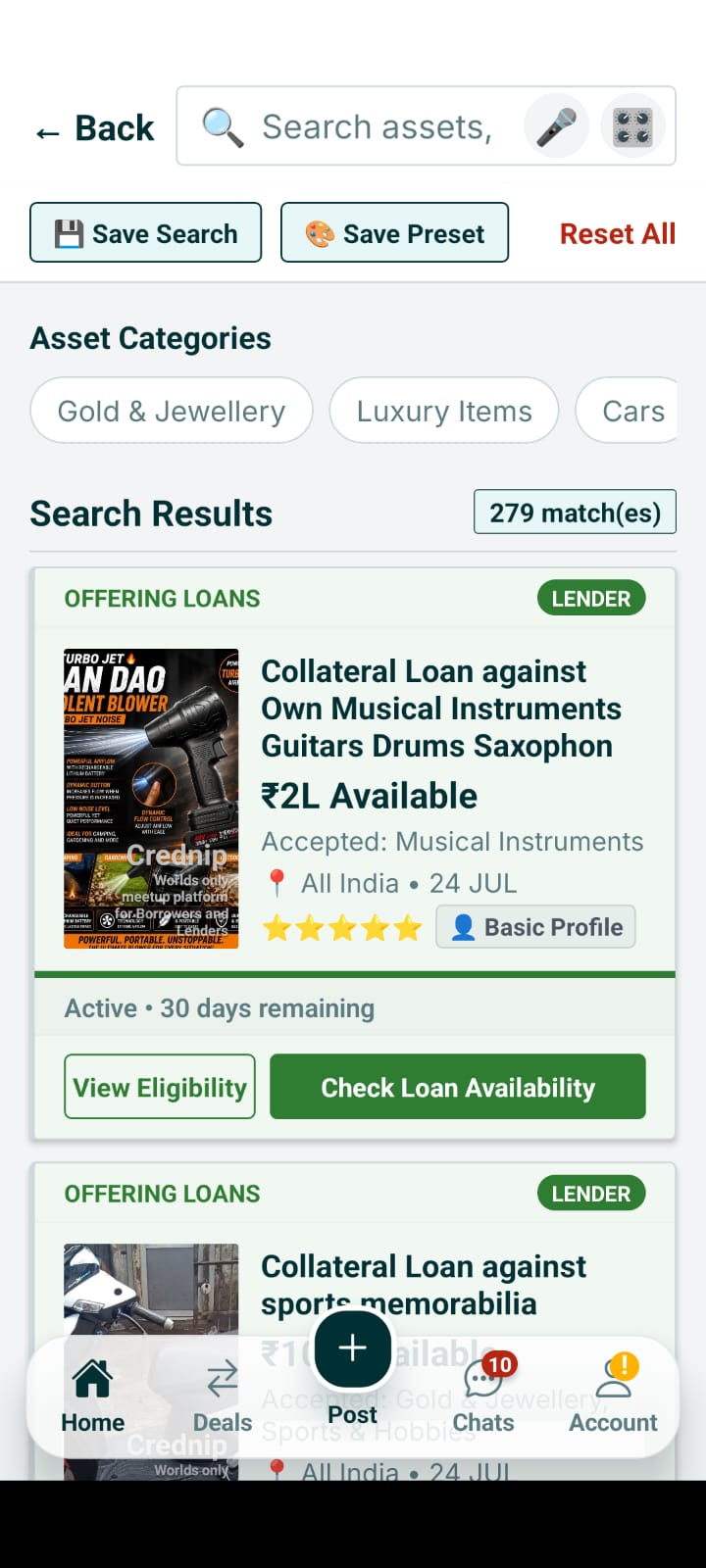
Masked In-App Chat
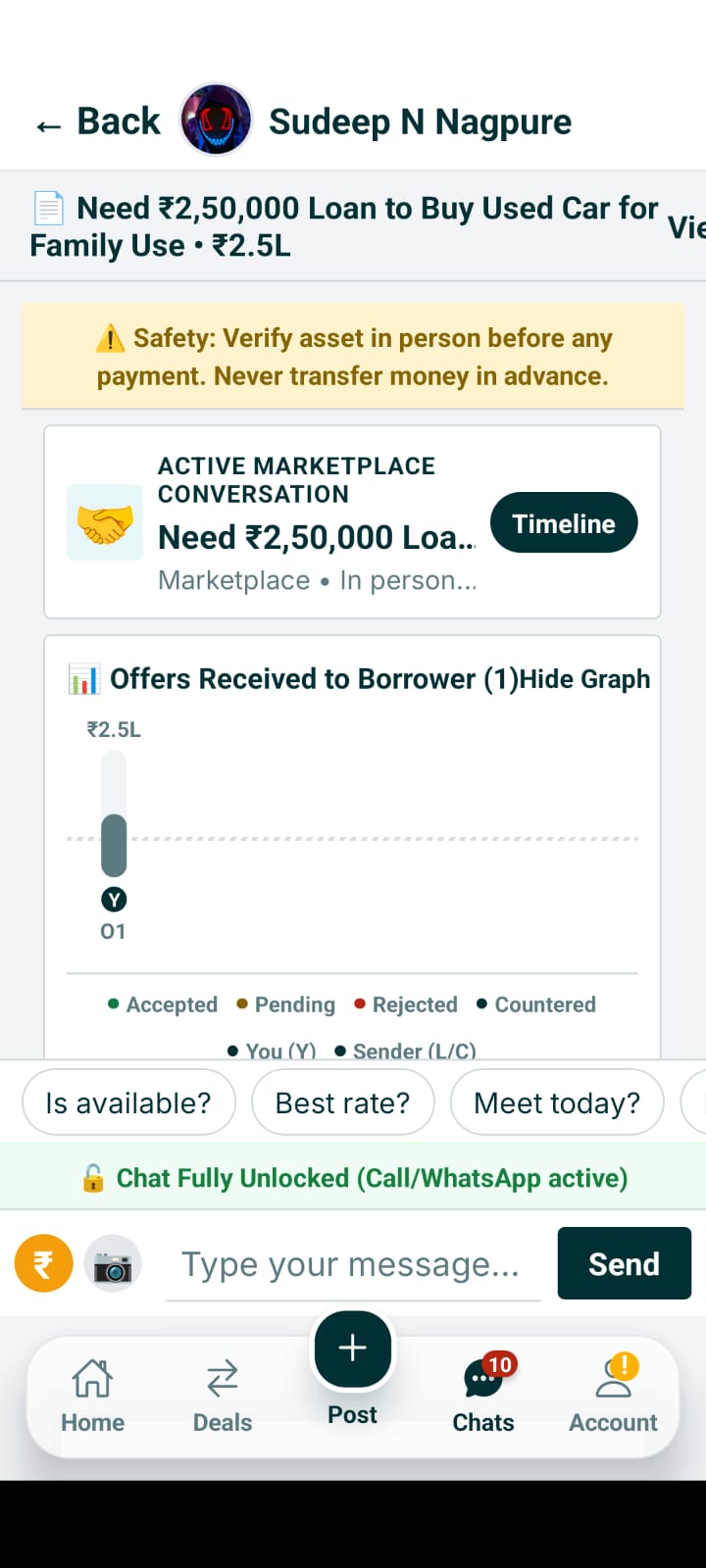
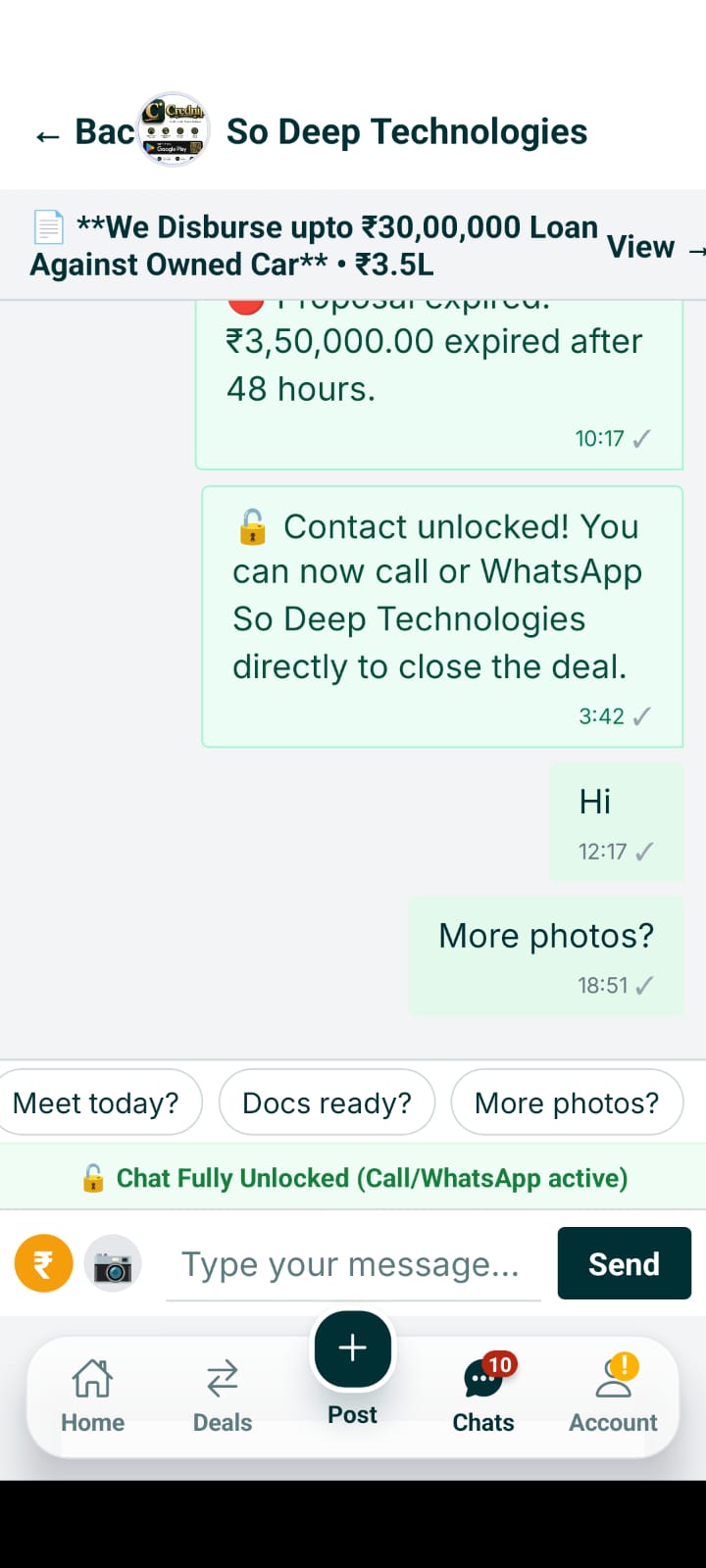
Connect and negotiate safely without revealing your personal phone number upfront.
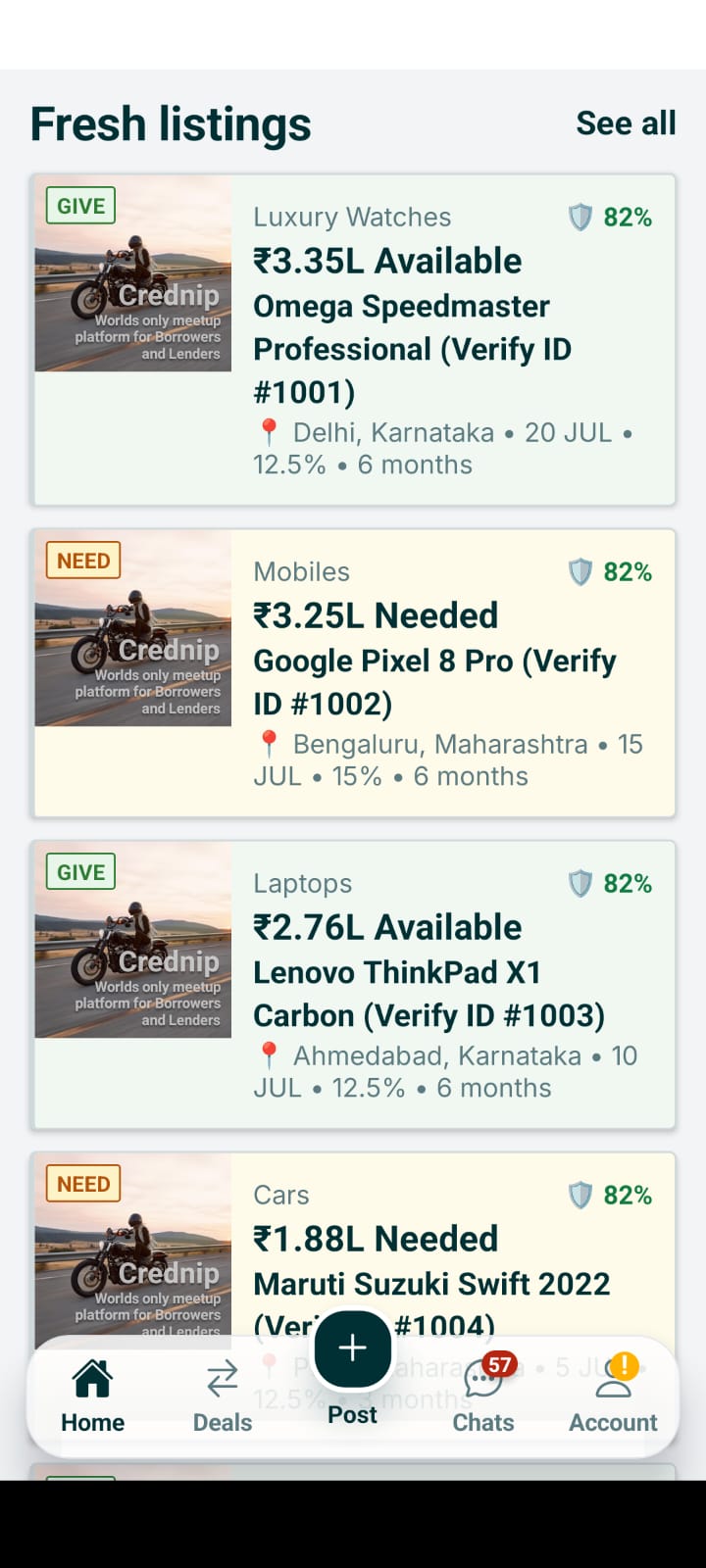
Send Offer Composer
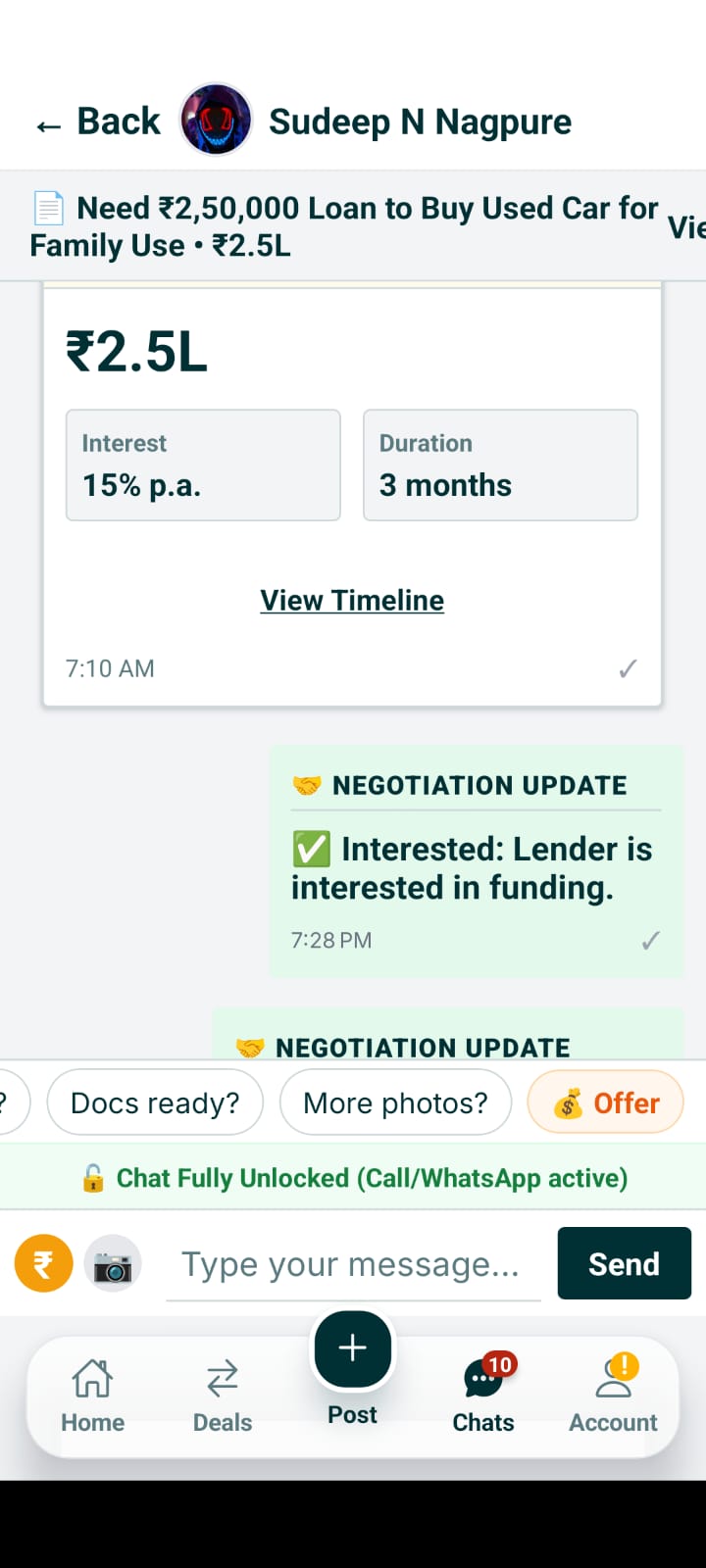
Lenders and borrowers enter explicit funding amount, interest rate, and tenure before sending.
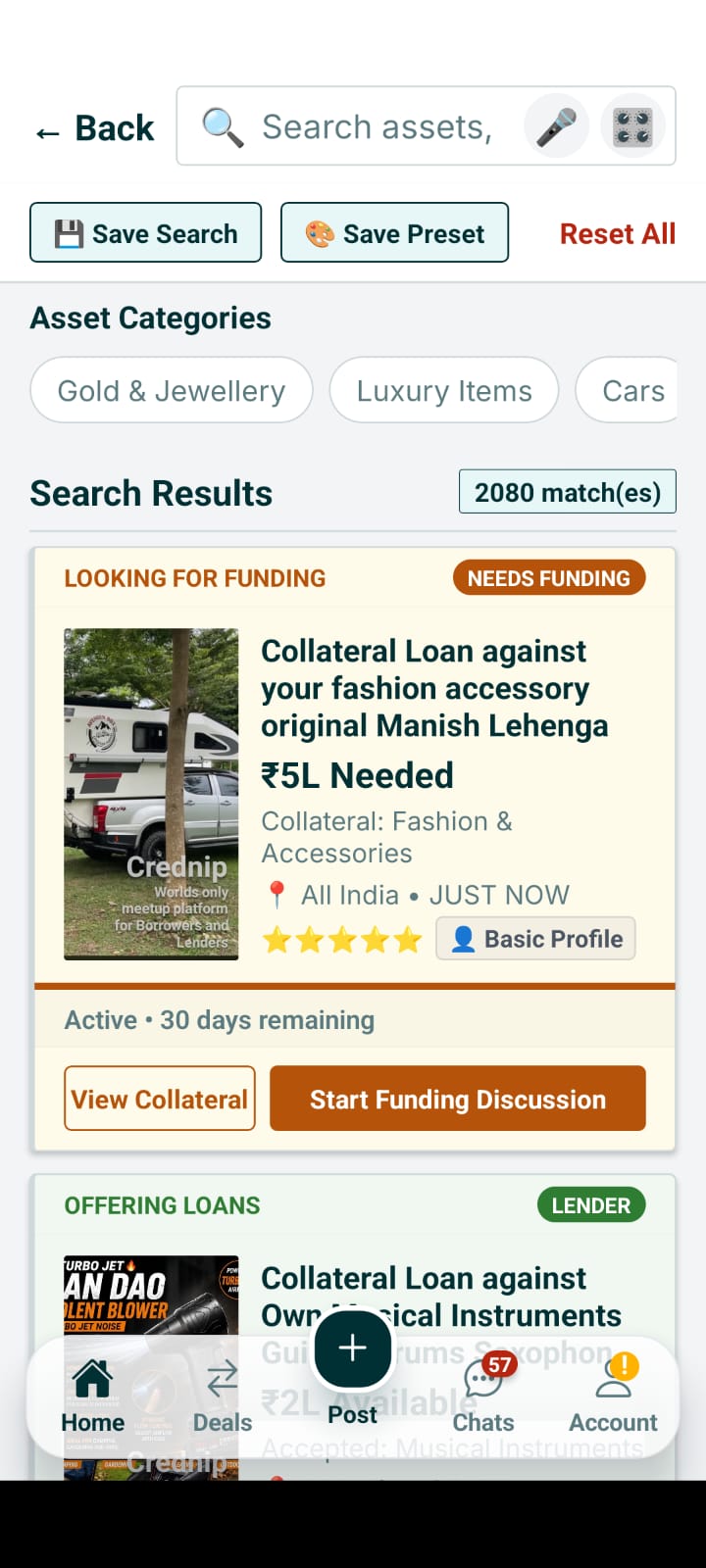
Counter-Offer & Proposal Thread
Submit counter proposals or adjust terms directly inside the structured offer thread.
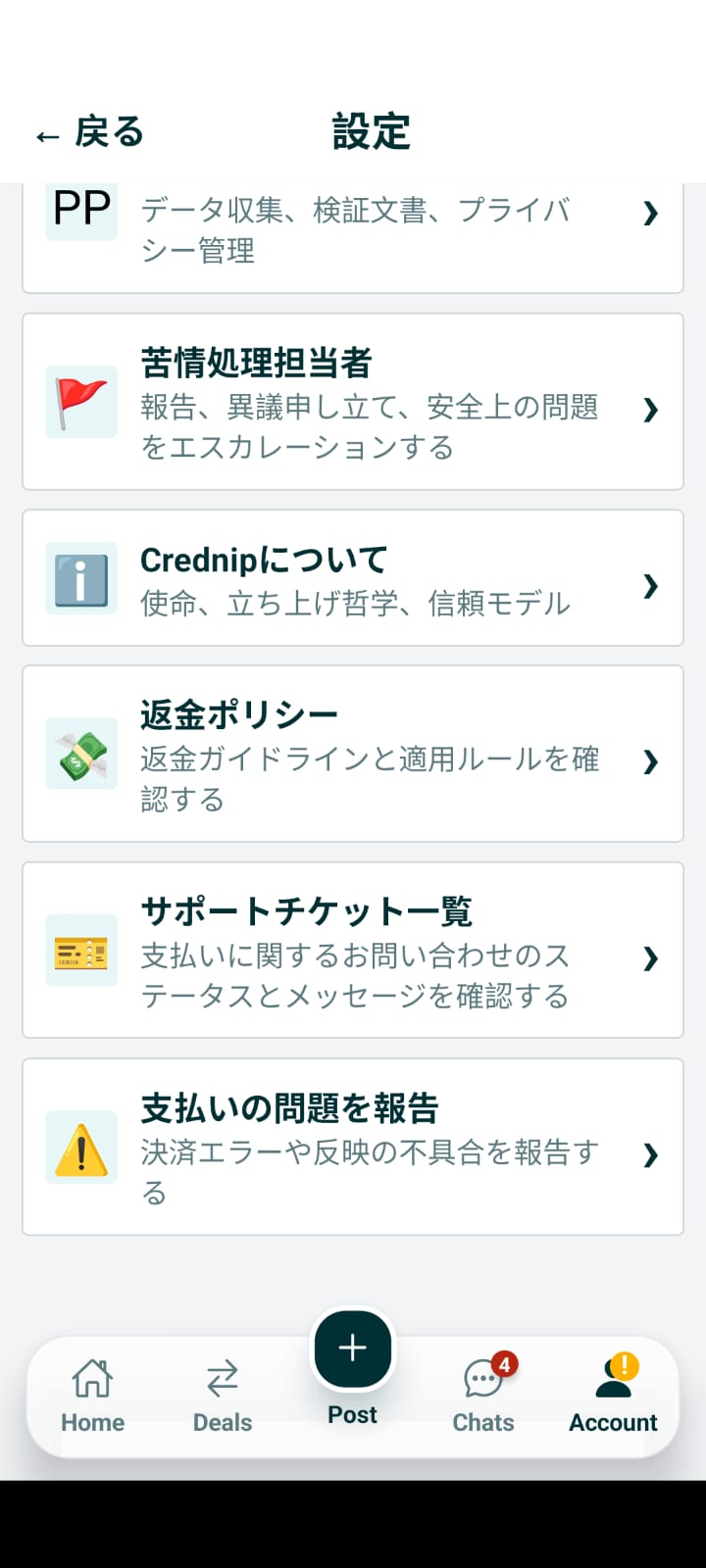
Scheduled Safe Meetup Checkpoint
Schedule a public inspection meeting time and location (jeweler shop, bank branch).

Contact Swap Request
Mutually request and reveal phone contact details after initial agreement on terms.
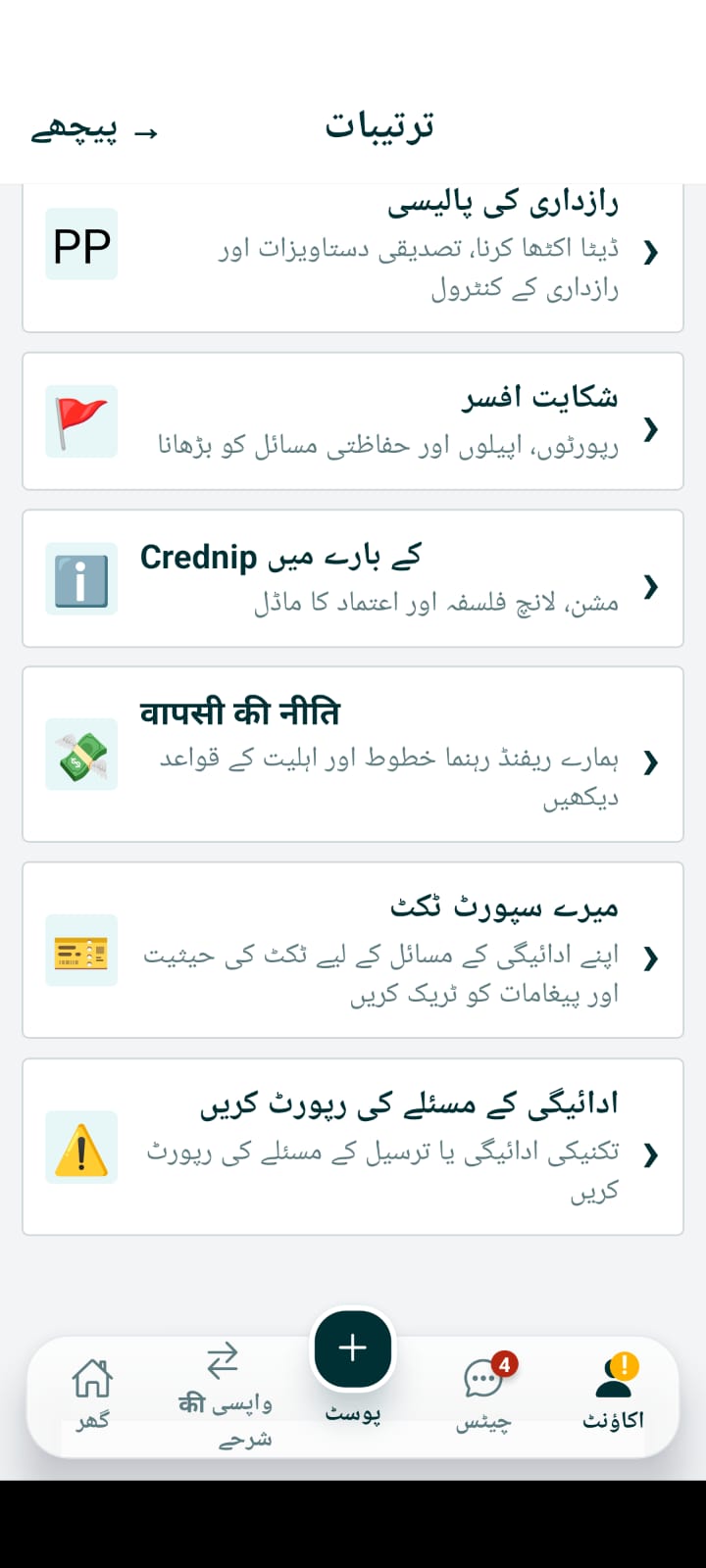
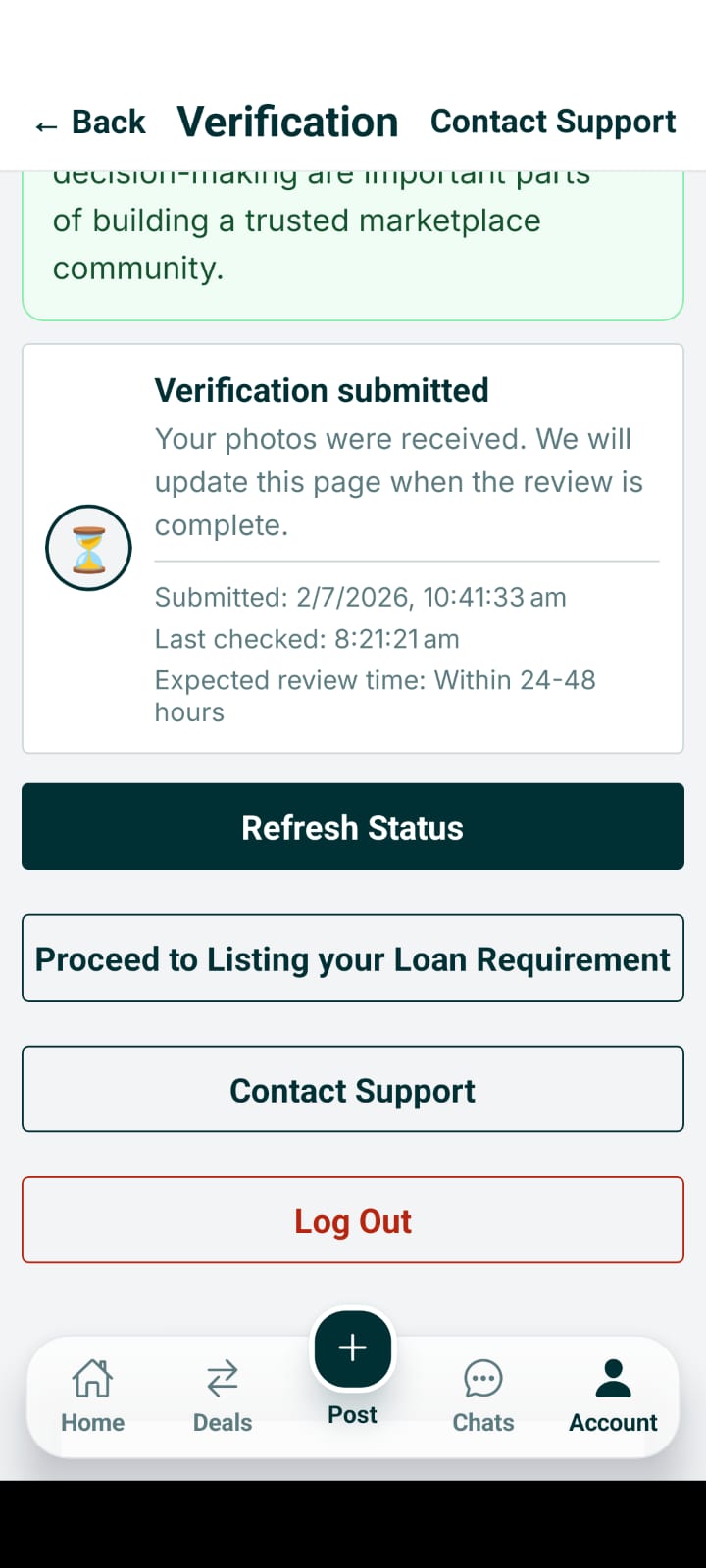
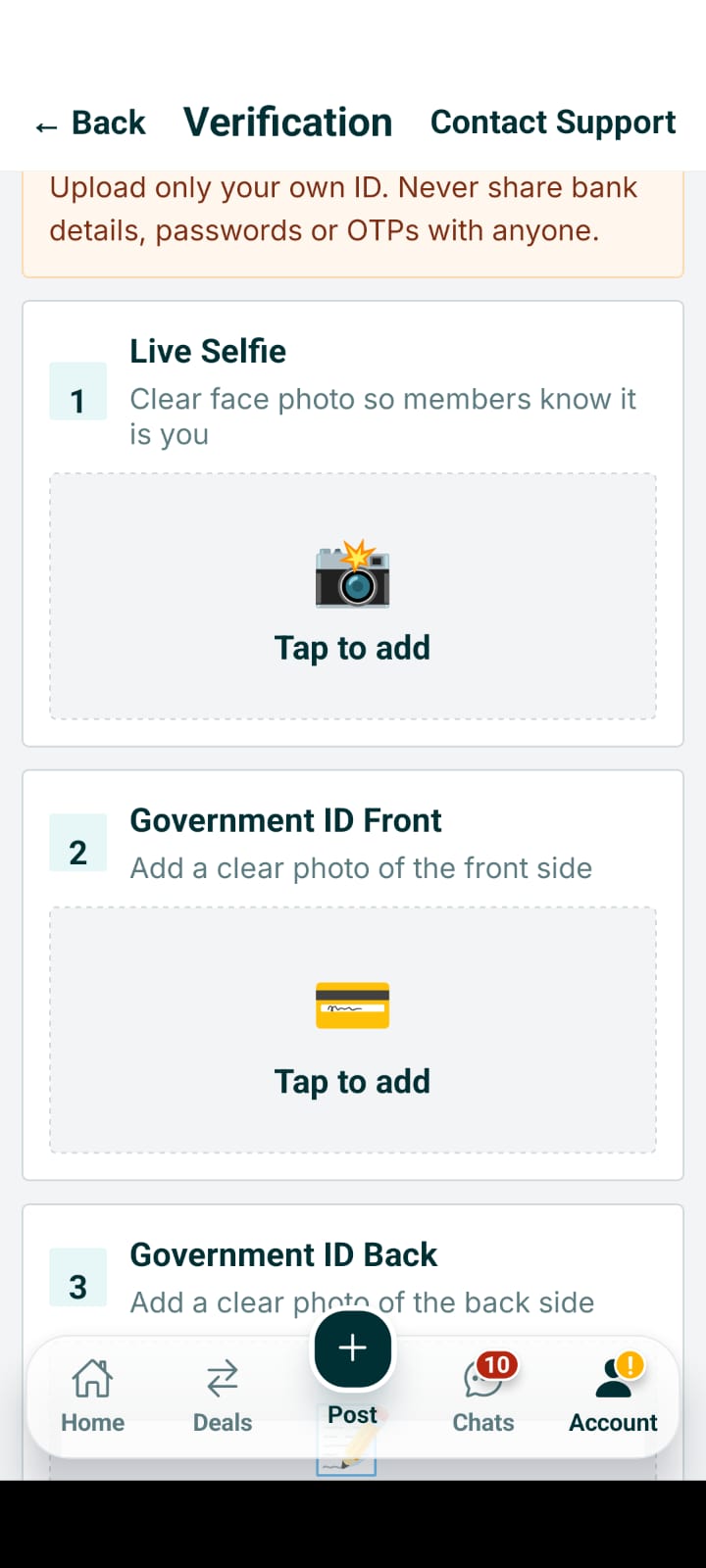
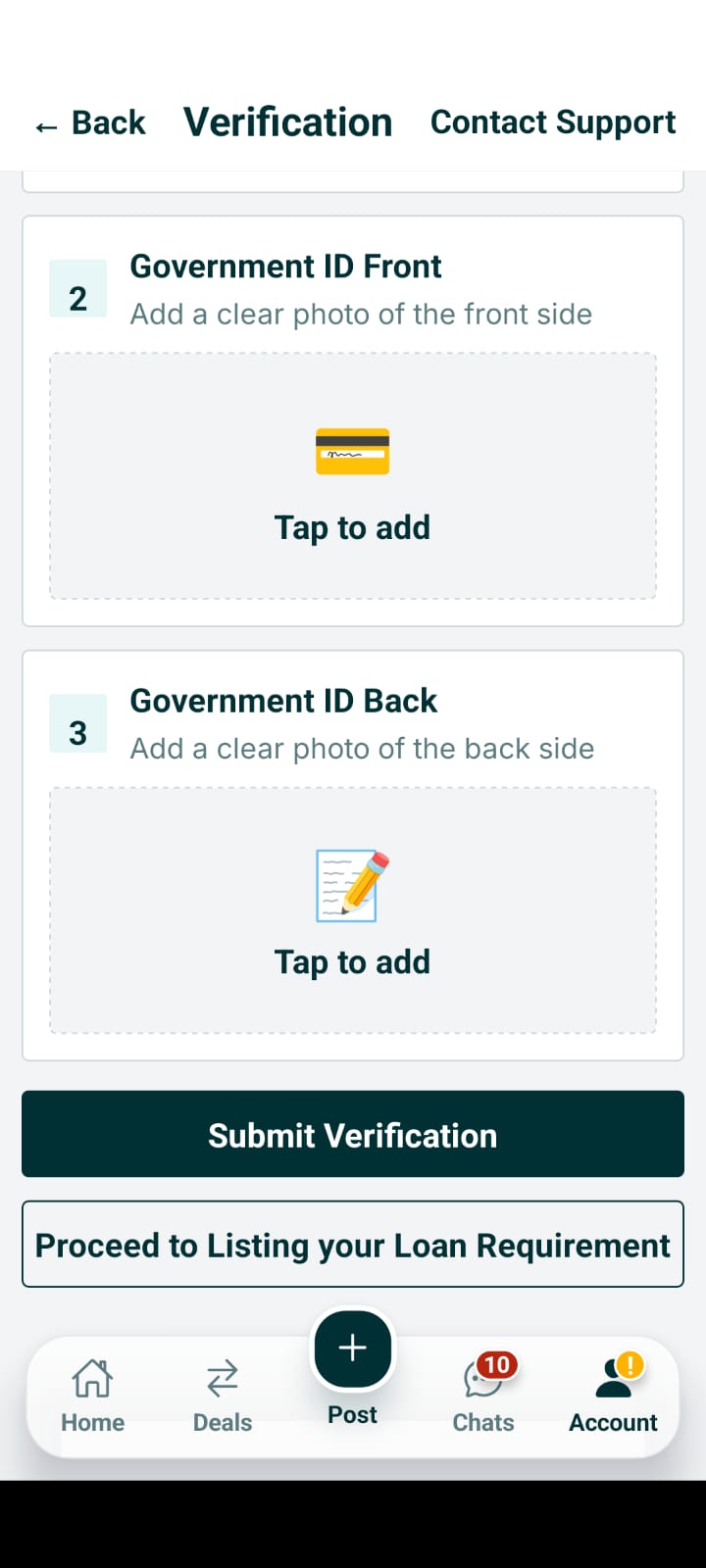
Verification Center
Submit government ID (Aadhaar, Passport, DL) and live selfie for private identity review.
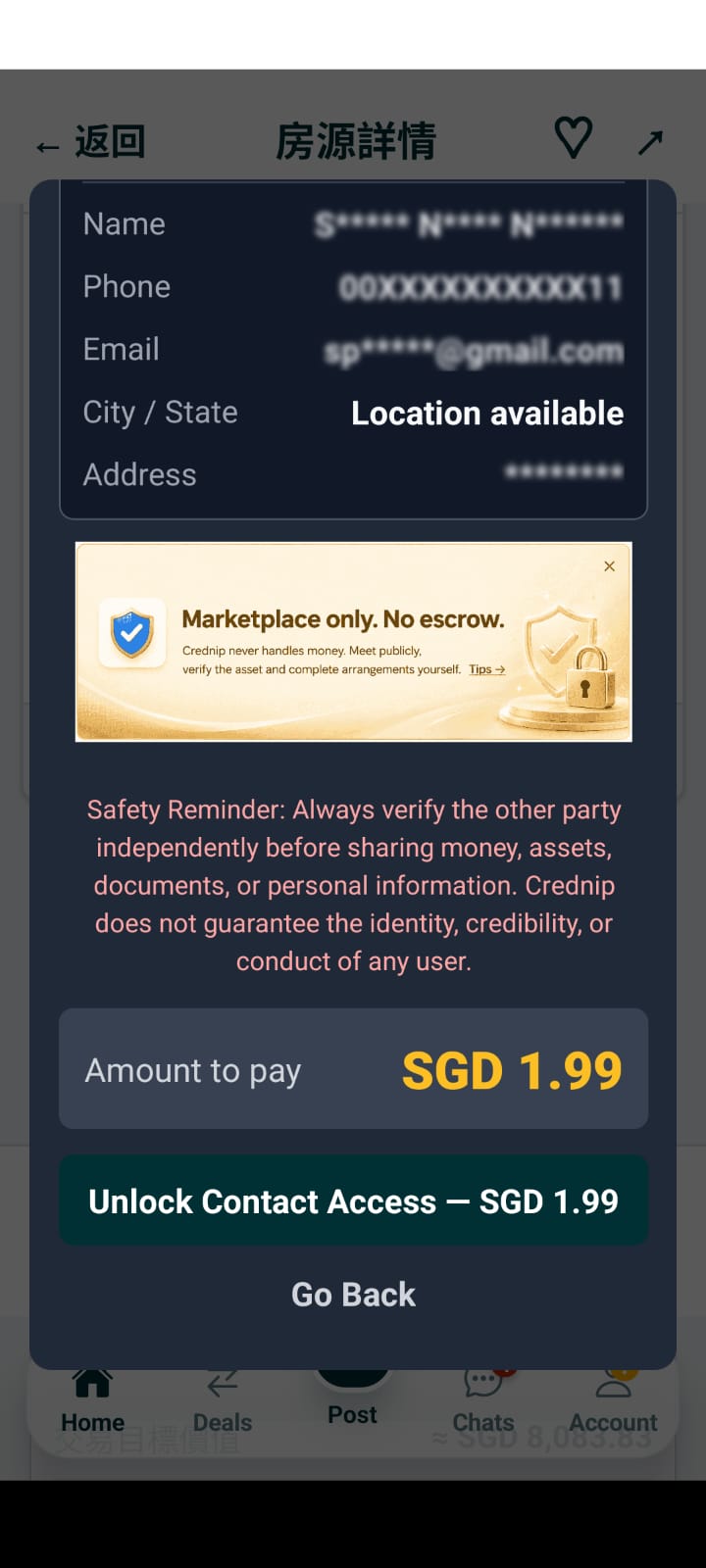
Identity Trust Badge Signals
Verified accounts receive trust badges to improve response credibility and response rates.
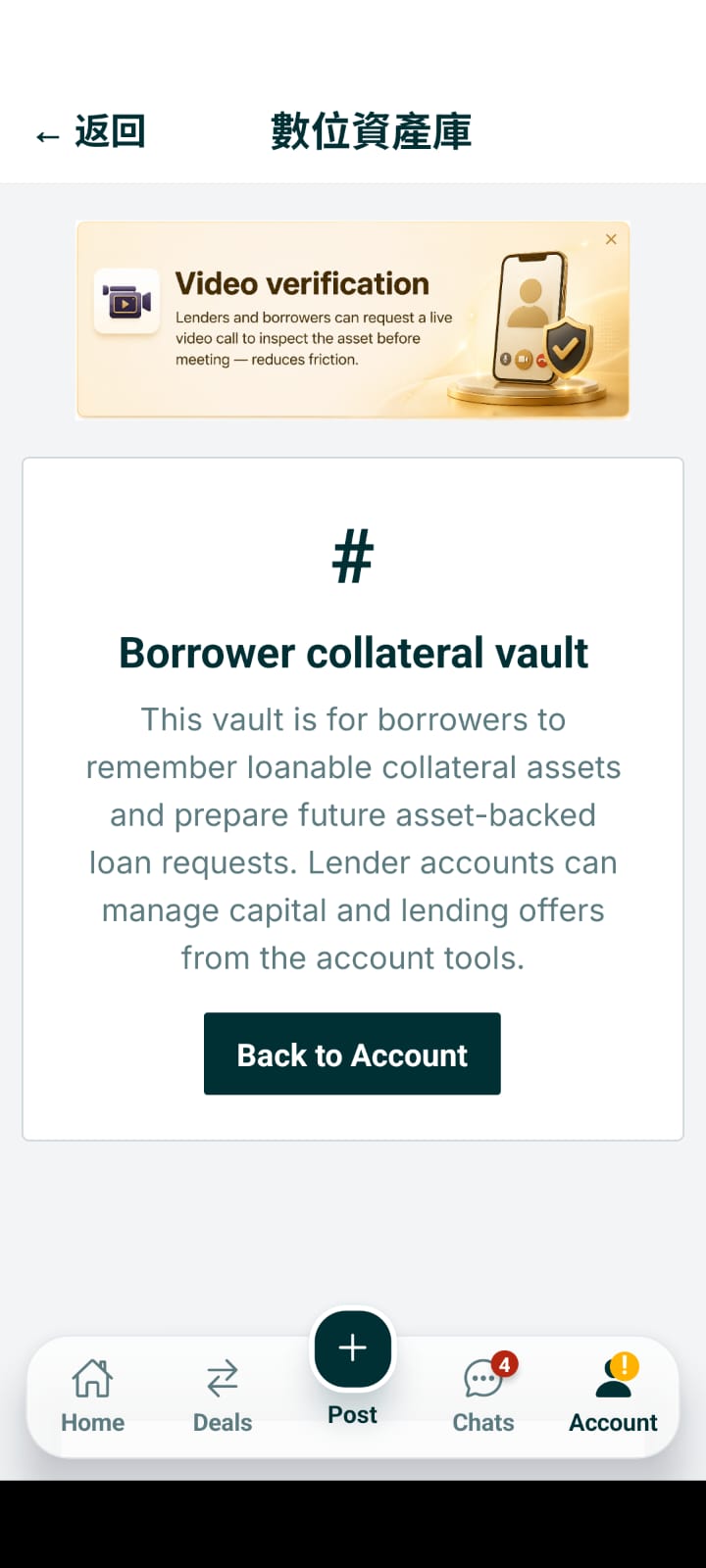
Safety Center & Fraud Prevention
Read safe meeting checklists, scam warnings, and Due Diligence recommendations.
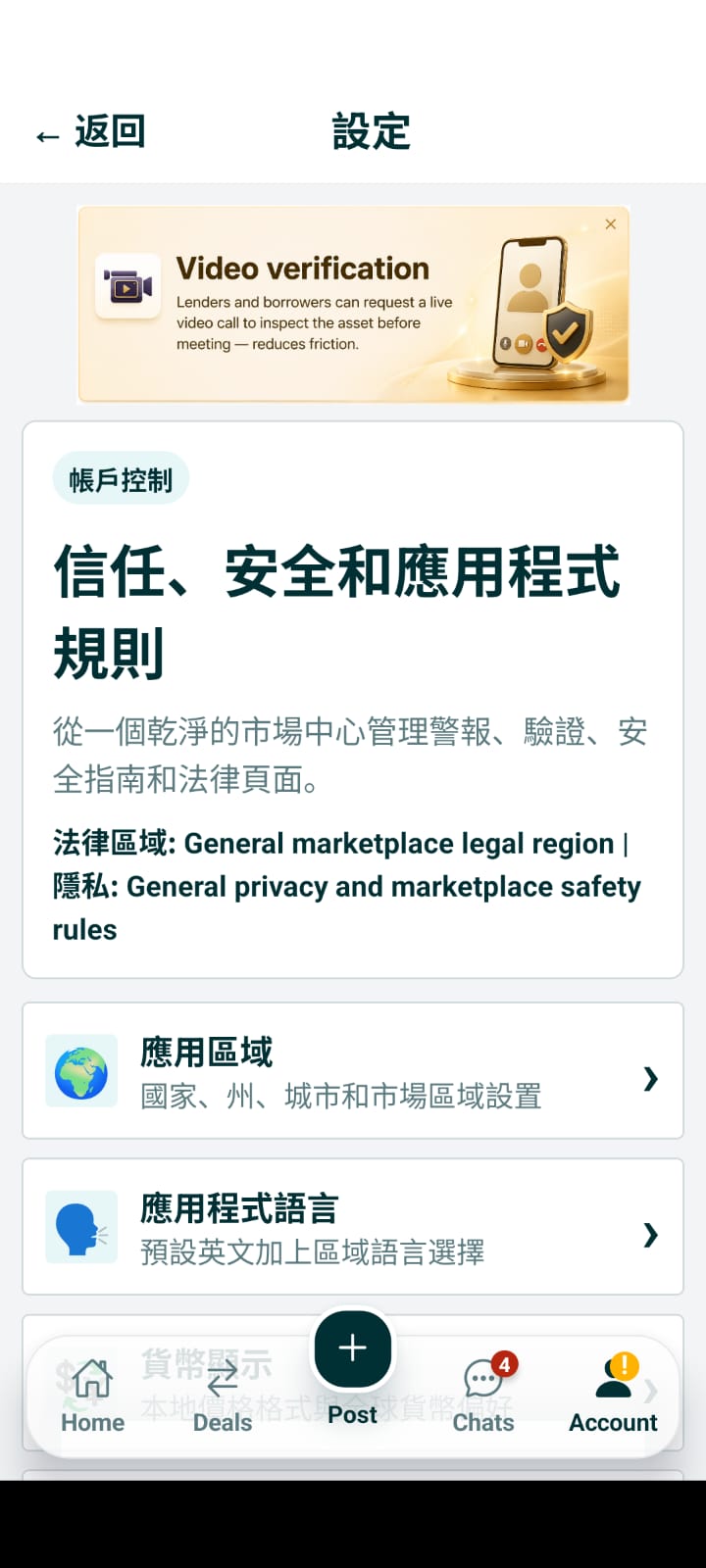
In-App Abuse & Scam Reporting
Report suspicious listings, advance fee demands, or improper behavior to moderation.
.jpeg)
Account Dashboard & Marketplace Shortcuts
Manage active listings, offers, saved posts, notifications, and contact unlocks.
.jpeg)
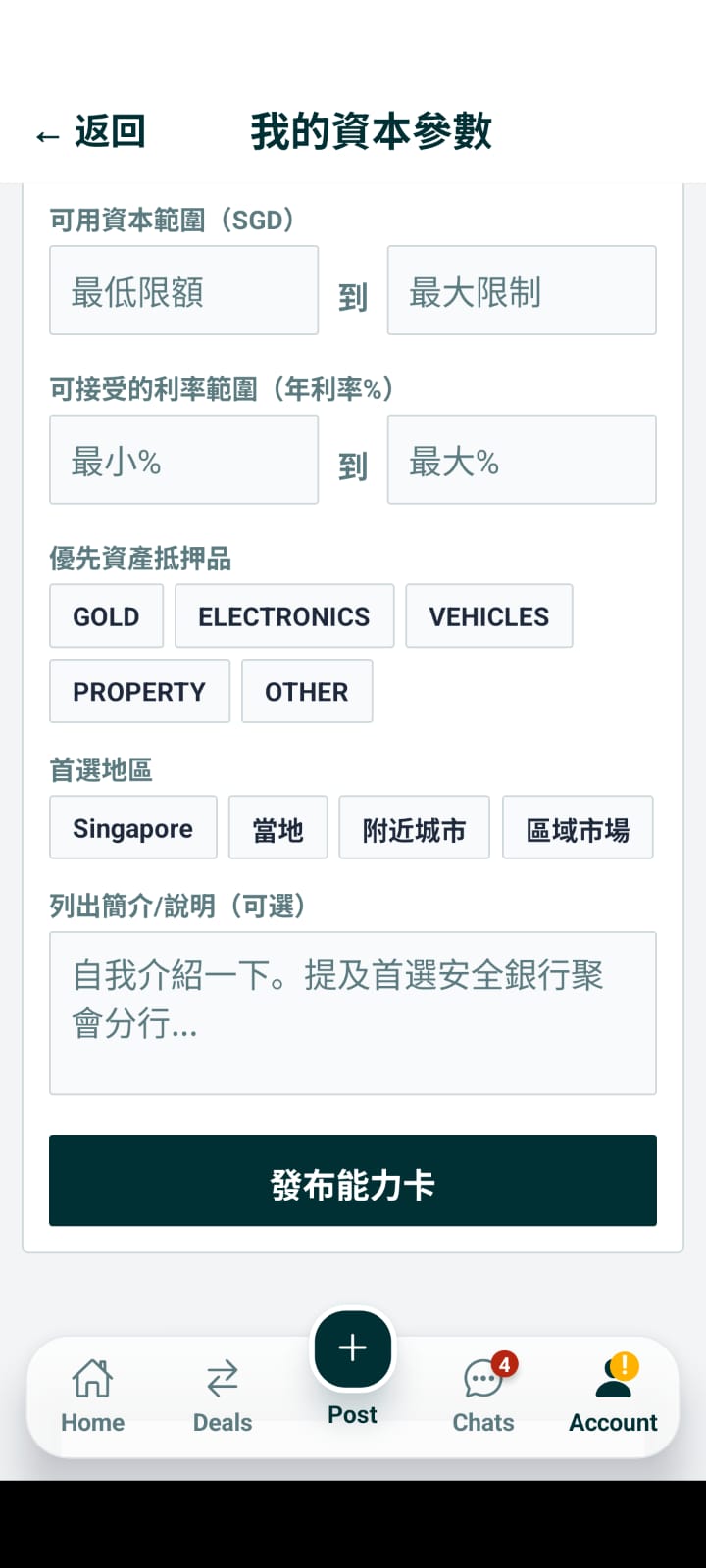
Capital Parameters for Lenders
Set available funding budget, preferred collateral types, and location radiuses.
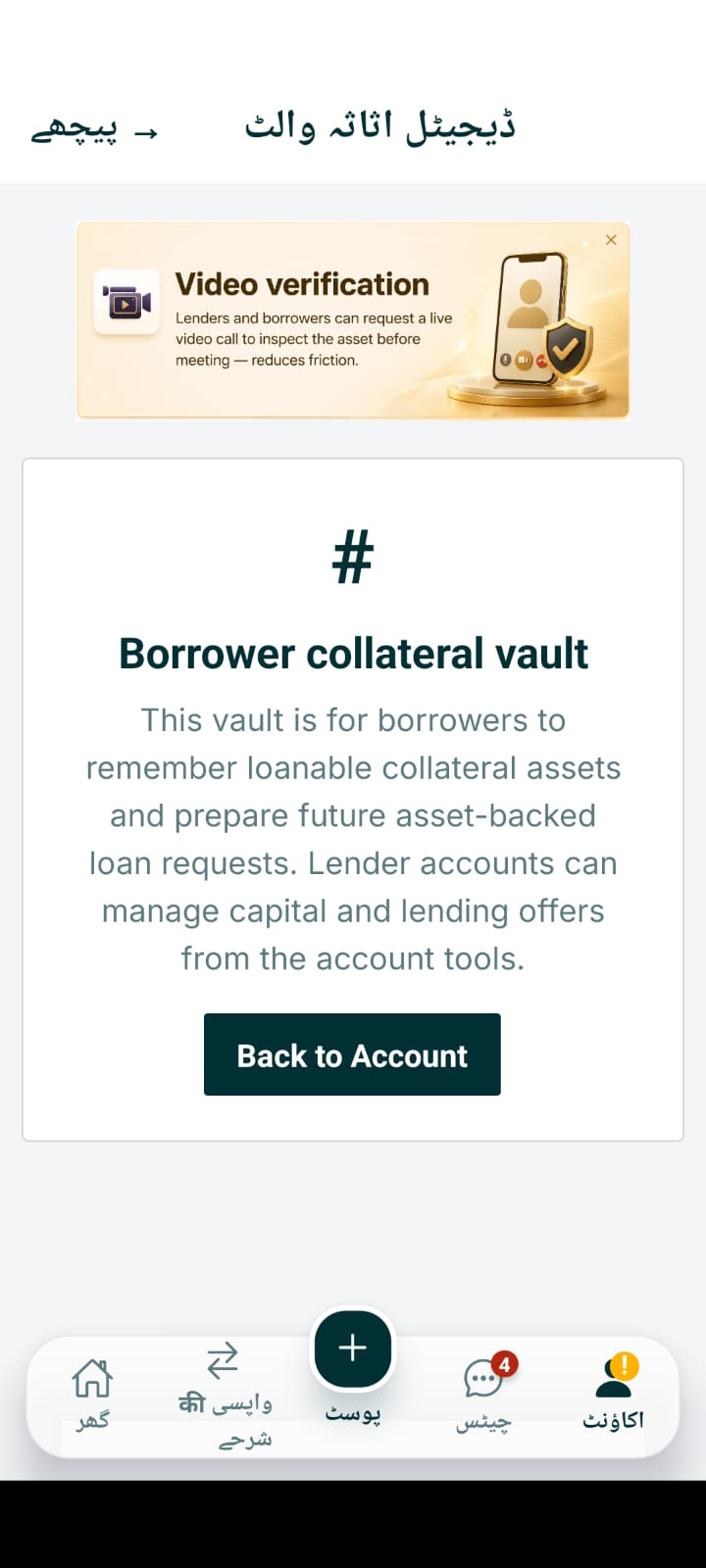
Asset Vault Locker
Pre-list and catalog physical assets in your private digital locker before publishing.
.jpeg)
My Listings Manager
Renew, close, edit, or pause your published collateral listings anytime.
.jpeg)
My Offers & Negotiation Tracker
Track ongoing proposals, counter-offers, and scheduled meetups in one place.
Saved Listings & Favorites
Save interested asset posts or lender profiles to revisit and compare later.
.jpeg)
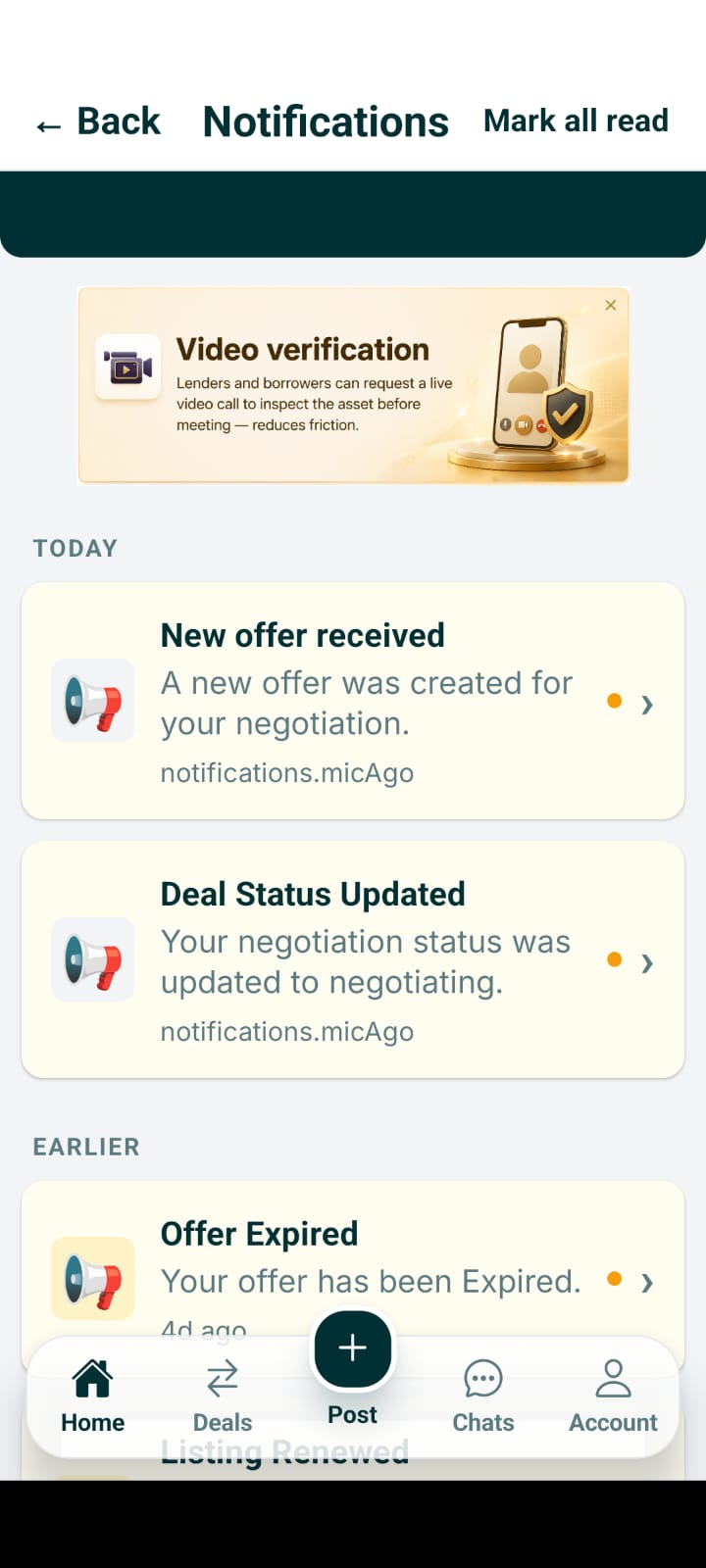
Notifications & Saved Search Alerts
Receive real-time push notifications for chat messages, offers, and matching posts.
.jpeg)
Contact Swaps Inbox
Review pending and approved contact reveal exchanges with prospective counterparties.
.jpeg)
Unlocked Contacts History
View full contact details of members whose contact information you unlocked.
Edit Public Profile
Customize public display name, city, bio, and marketplace reputation card.
.jpeg)
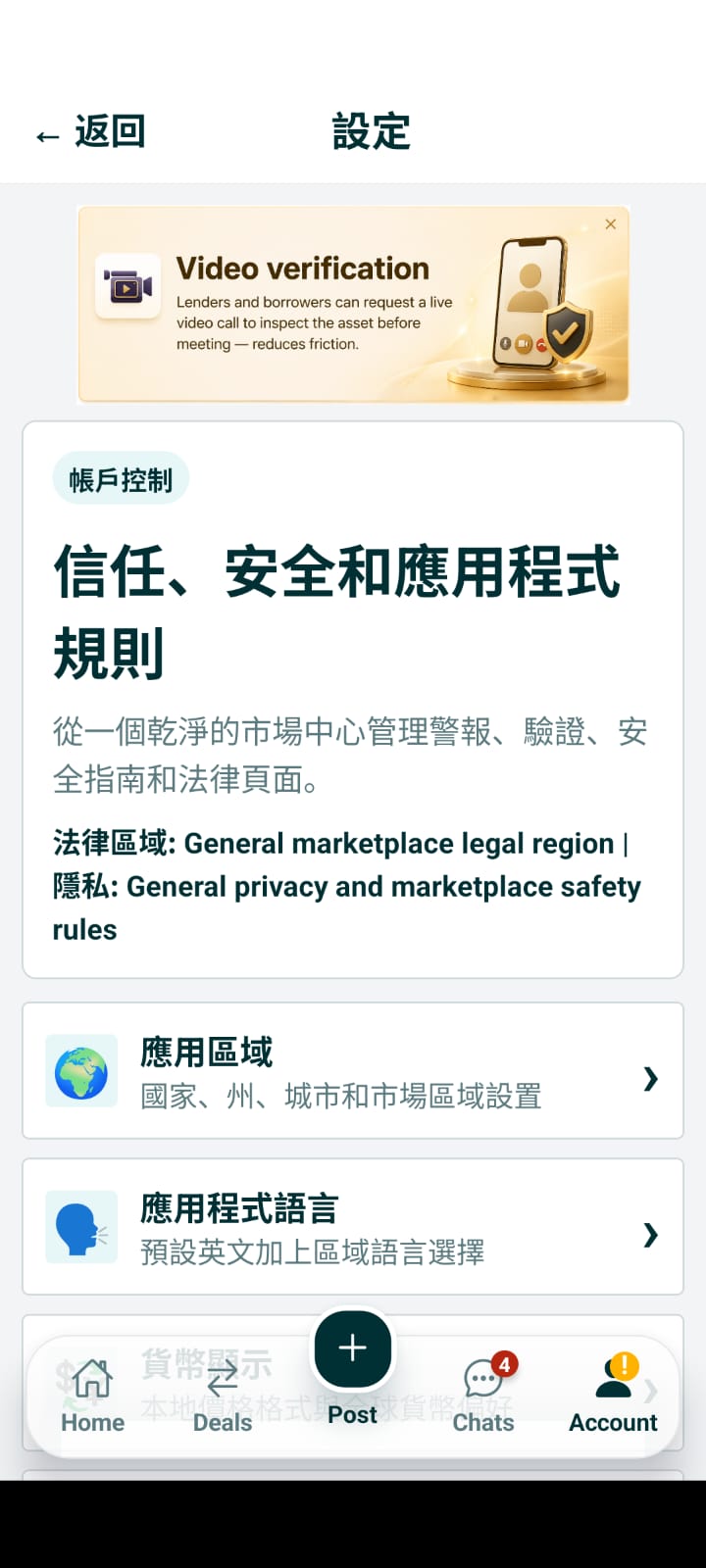
Settings & Legal Menu
Access Terms of Service, Privacy Policy, Grievance Officer, and About Crednip.

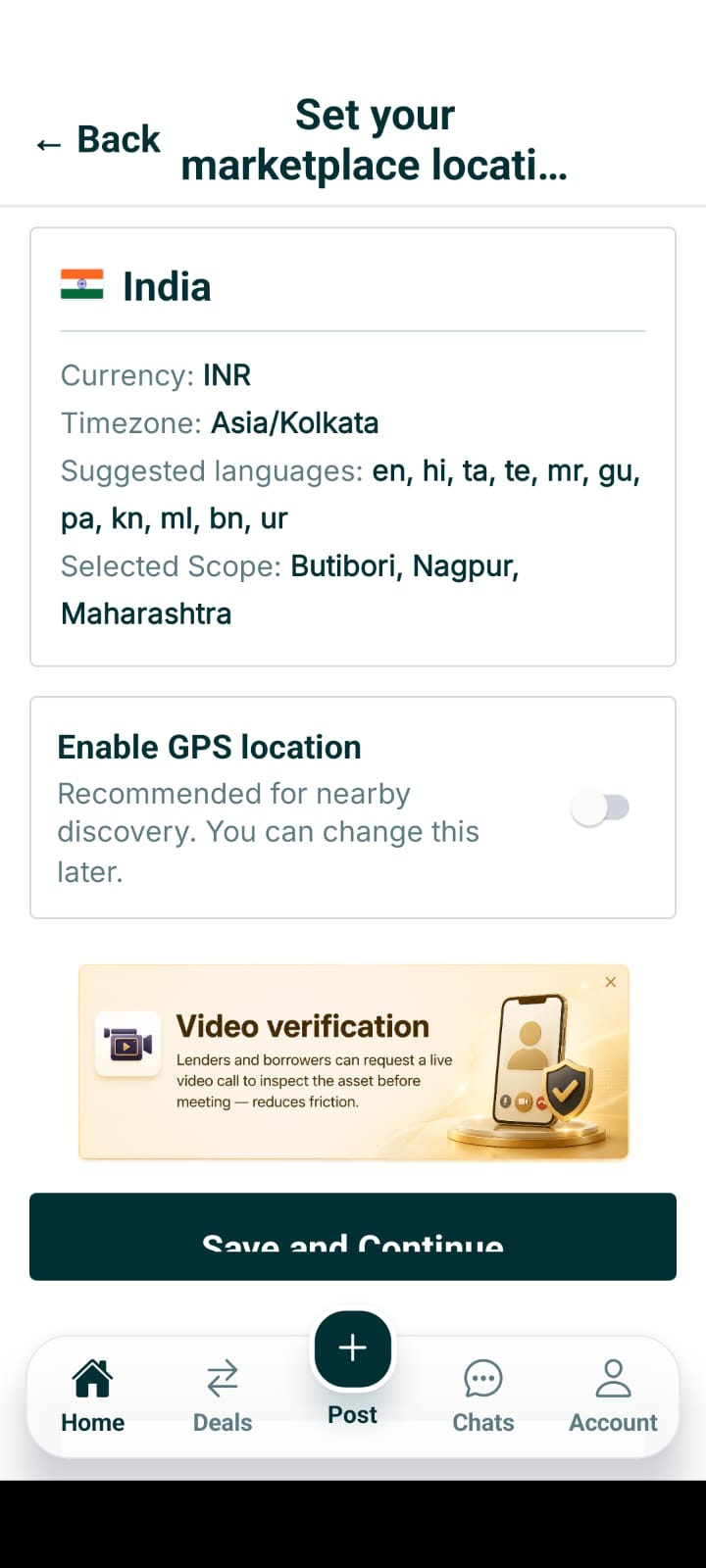
250 App Region Selector
Choose your marketplace country, state, city, and local area preferences.
50 App Language Selector
Select your preferred language (English, Hindi, Tagalog, Spanish, Arabic, etc.).
Currency Display Preferences
Set local currency display (INR, PHP, USD, AED, EUR) for price formatting.
Data Controls & Export
Request a digital download export of your personal marketplace data and records.
.jpeg)
Delete Account Request
Submit an instant account deletion request directly inside the mobile app.
.jpeg)
Report Payment Issue Ticket
Submit a technical payment support ticket for delivery or unlock issues.
My Support Tickets Tracker
Track real-time status and message replies for your support tickets.
Active Sessions & Security
Manage active logged-in devices and sessions for account safety.
Ready to use Crednip?
Download the official Crednip Android APK to browse live listings, chat directly with lenders, or post your asset collateral.